
need to hold some info for a bit?

i'll hold that.

a tiny place for things you want

to remember for a while.

made for your mac's notch download for mac once installed, go to your applications folder and right-click (or Control-click) the app icon and select "Open" to bypass macOS Gatekeeper
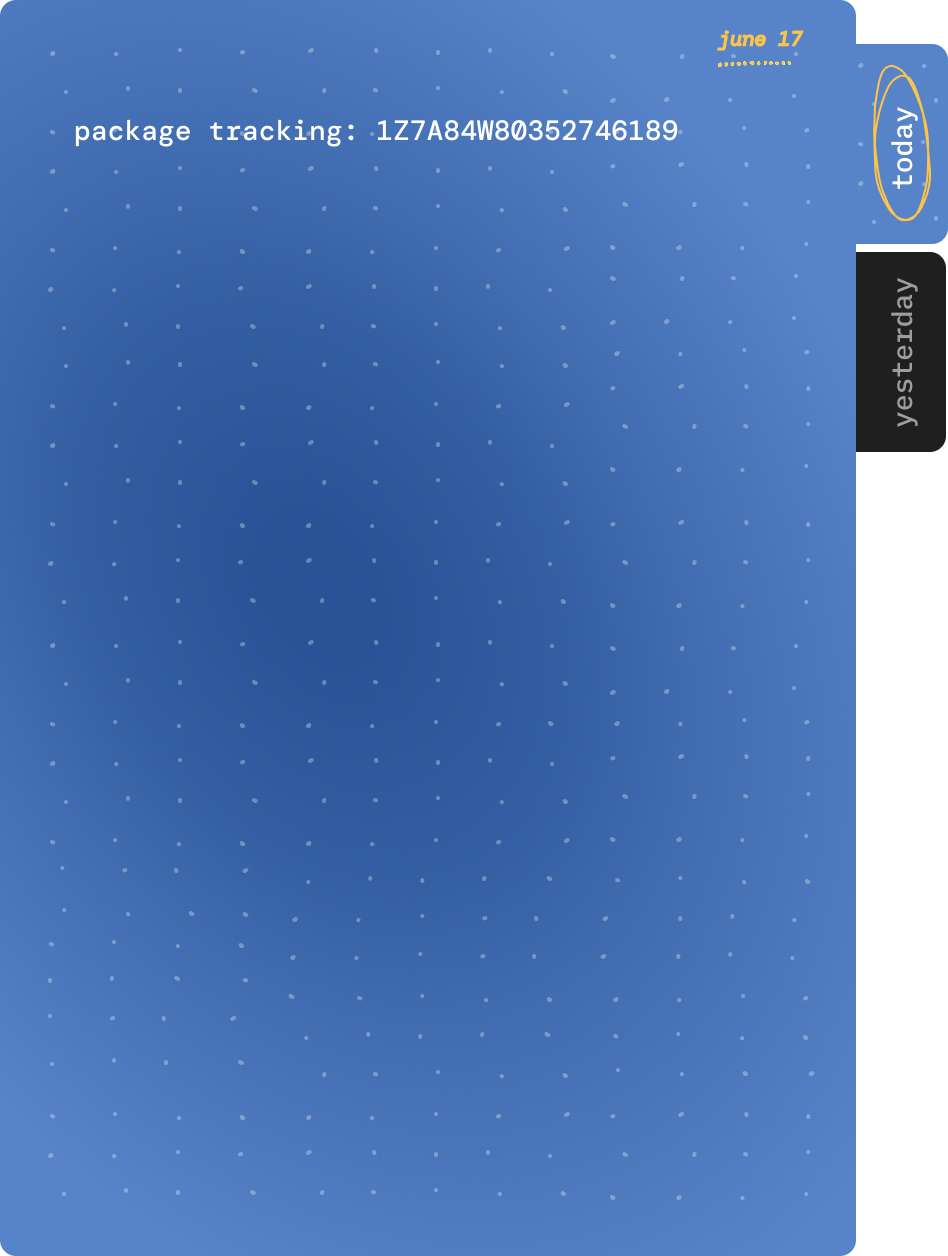
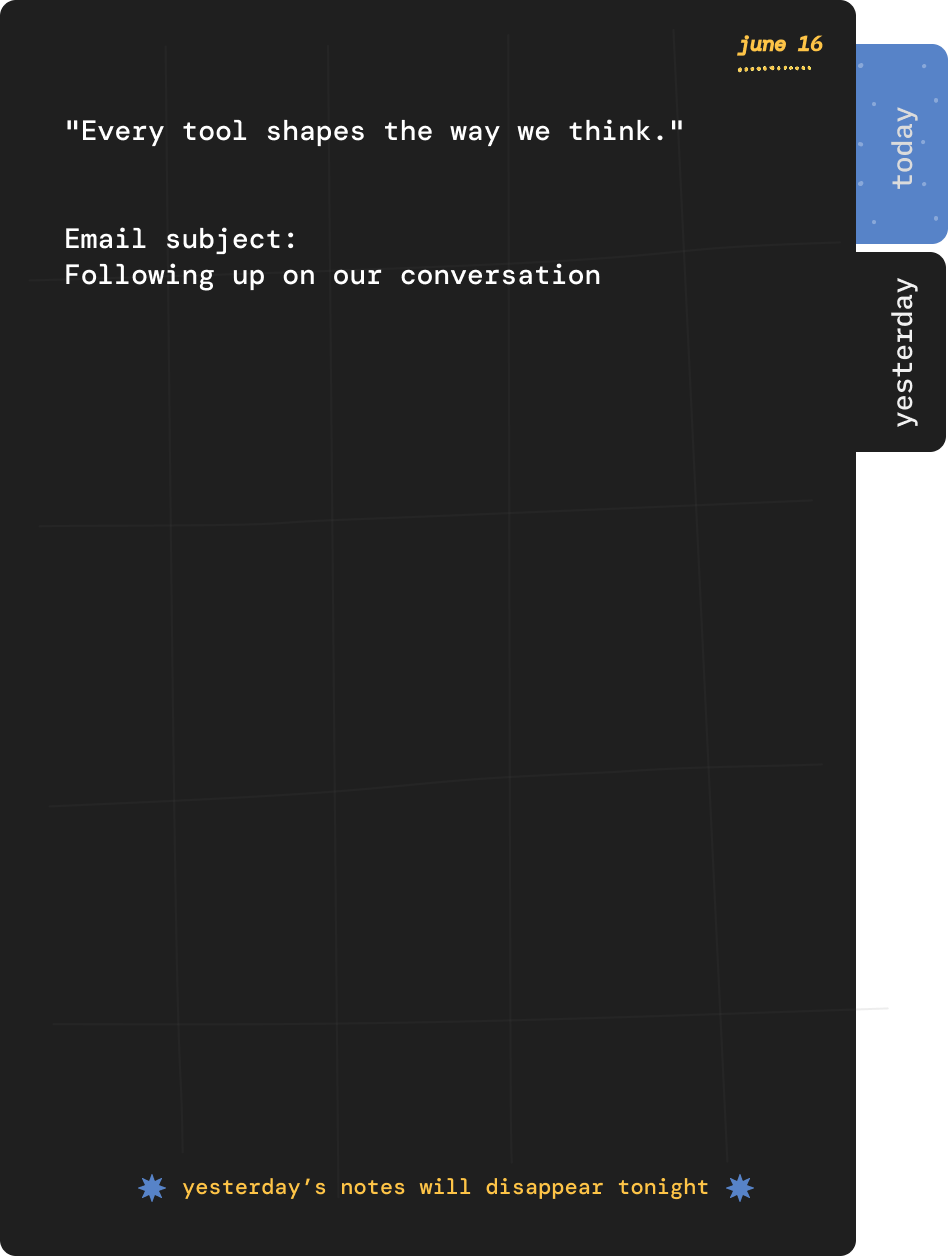
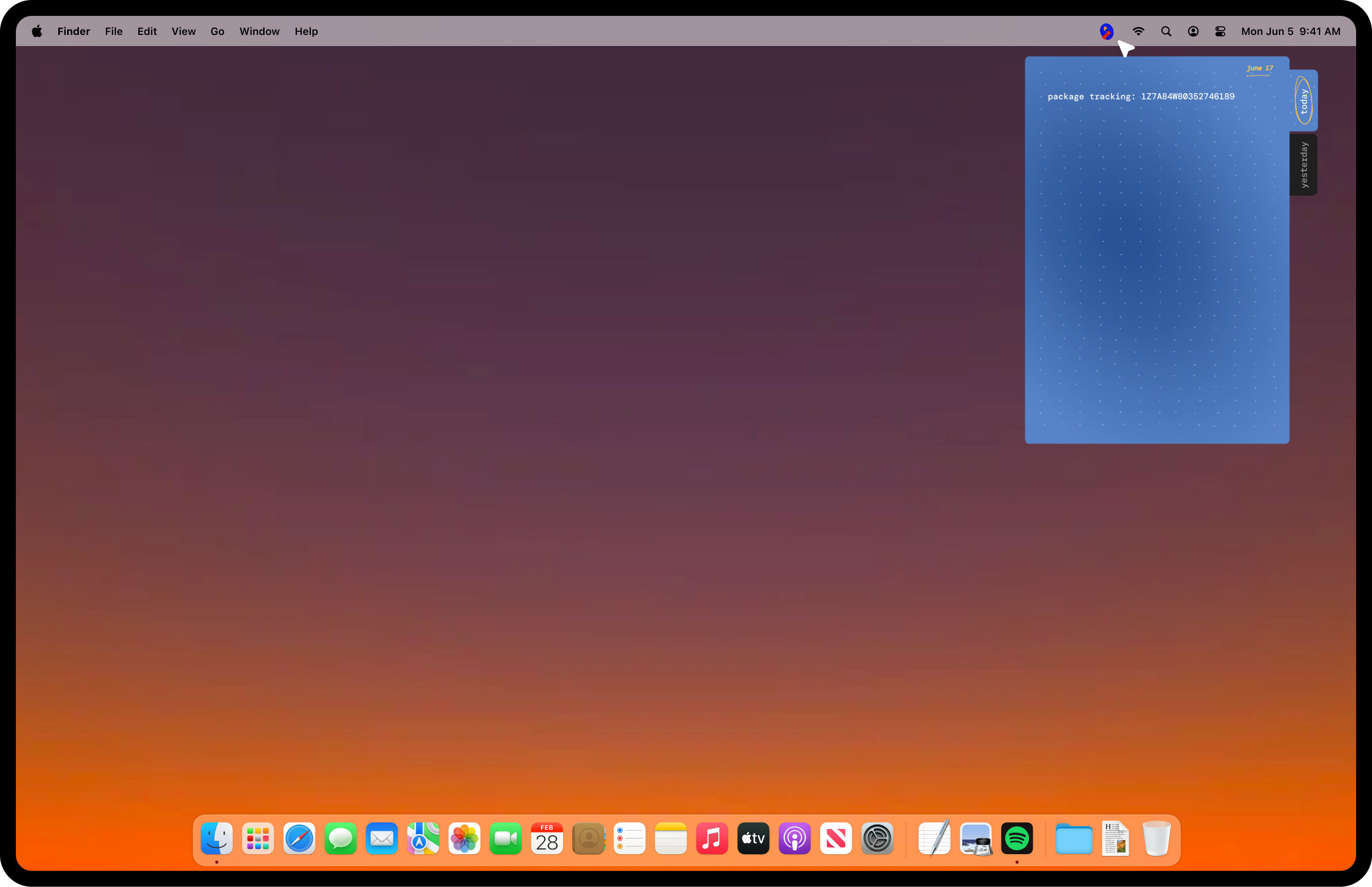
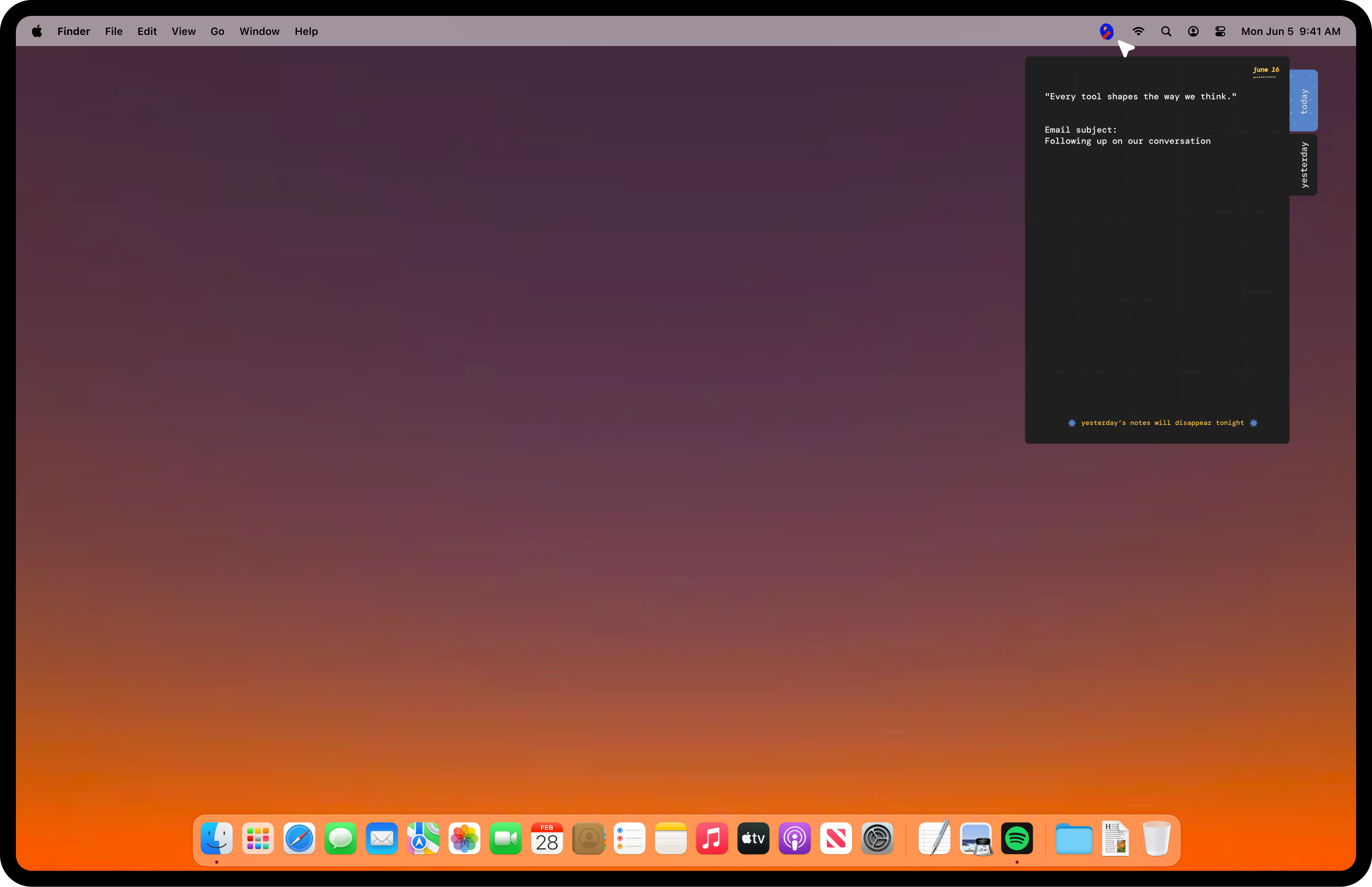
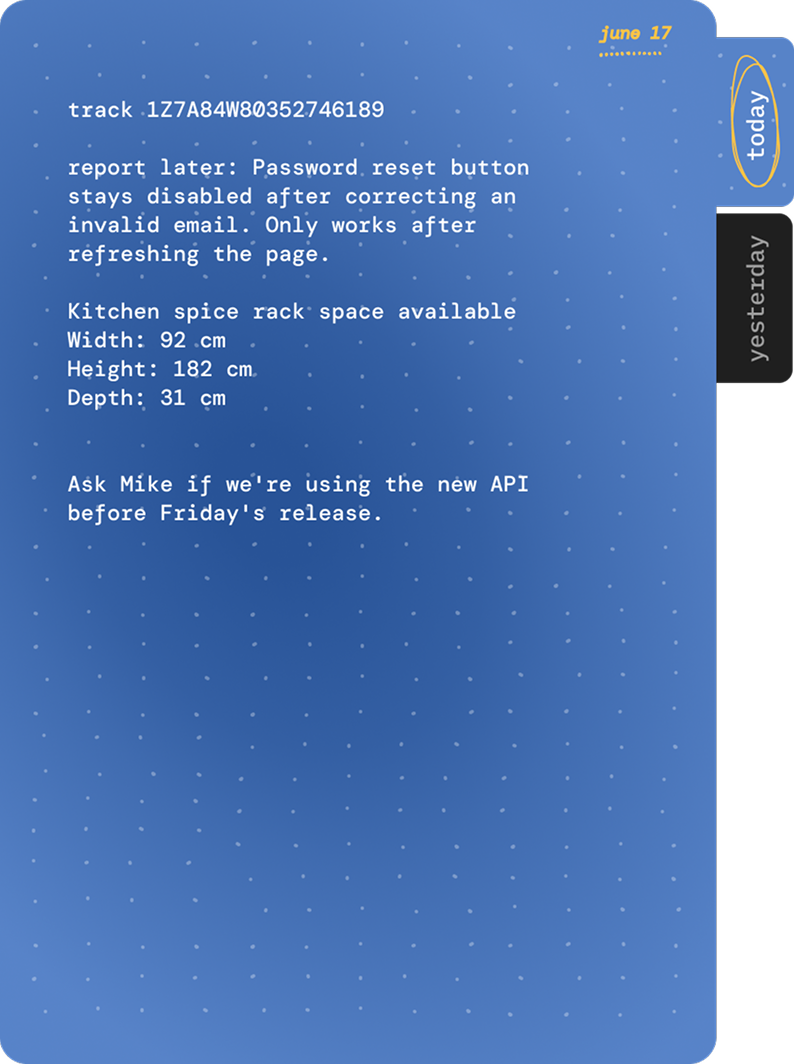
Hold That App Today Hold That App Yesterday

hold that lives in your notch.

there are only two places.

today and yesterday.

at midnight, today's notes become yesterday's notes.

yesterday disappears the next night.

if you need to keep something, move it somewhere permanent.

if you don't, we'll let it go.

Today tab Yesterday tab
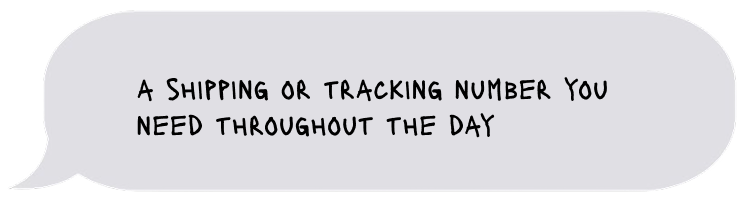
Tracking note shape
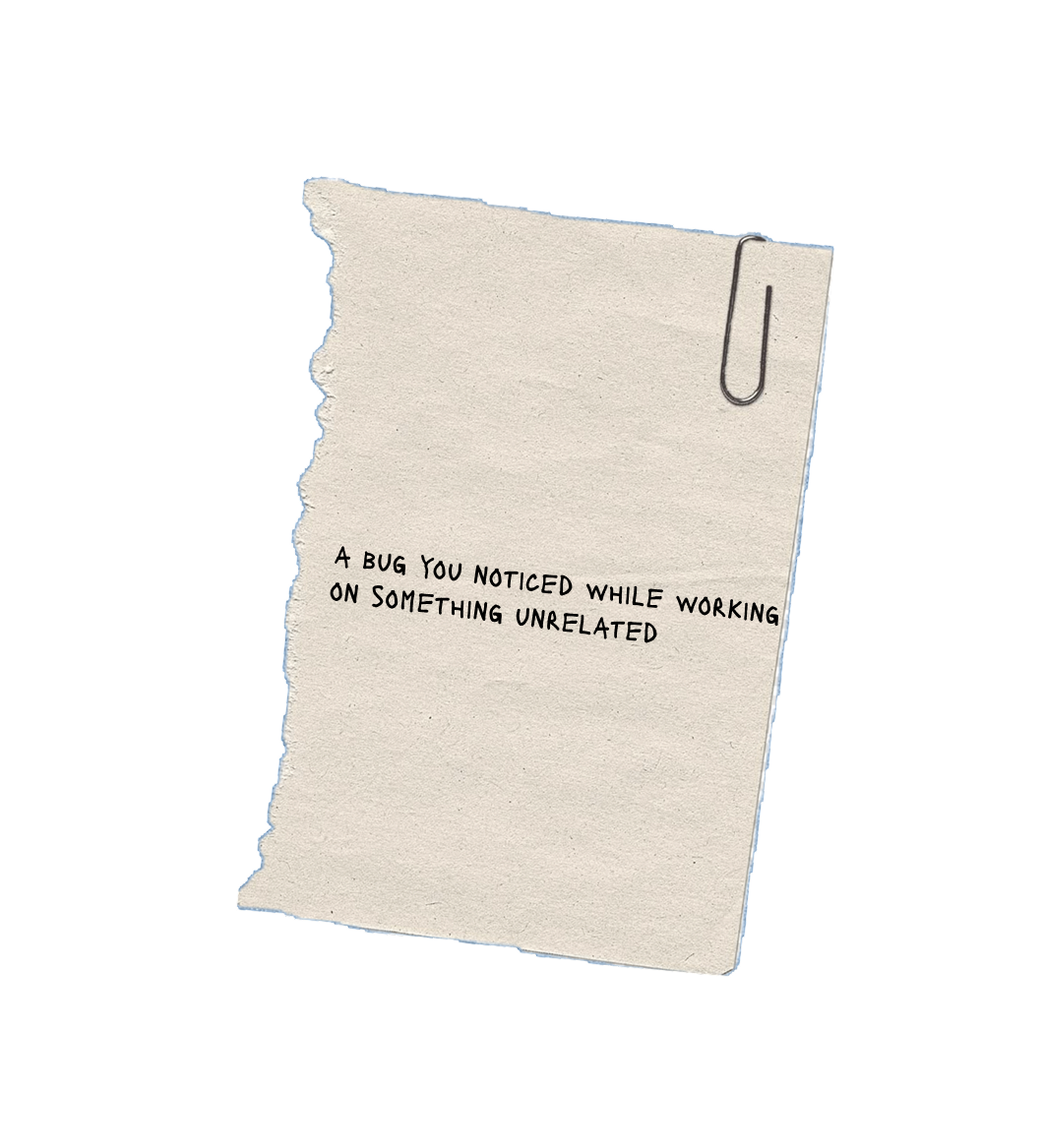
Bug note shape
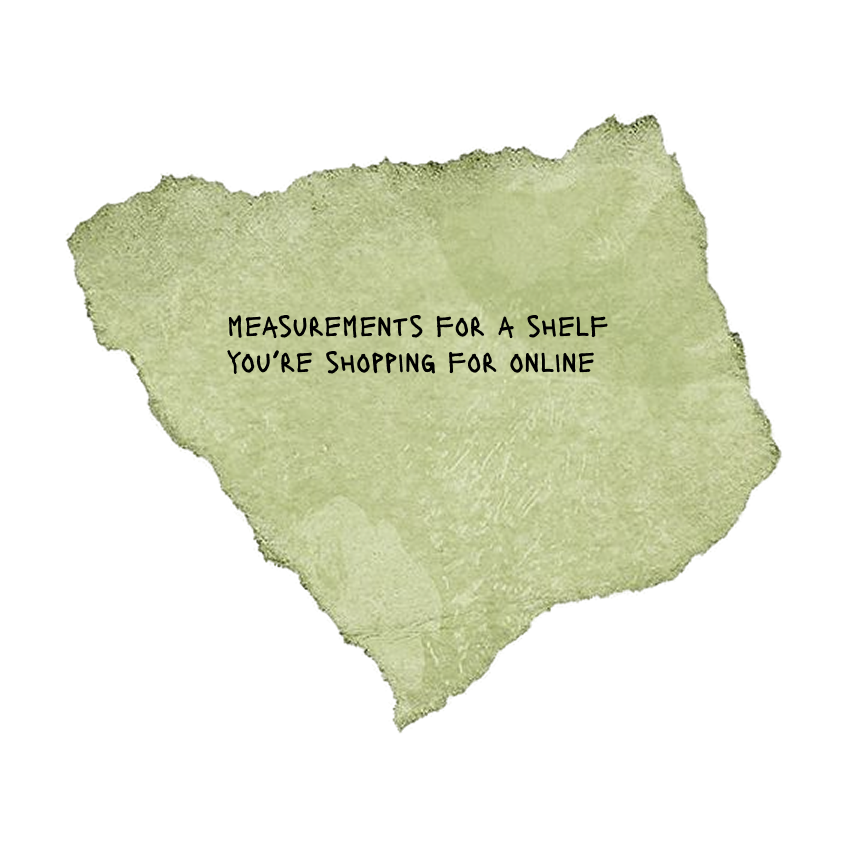
Measurements note shape
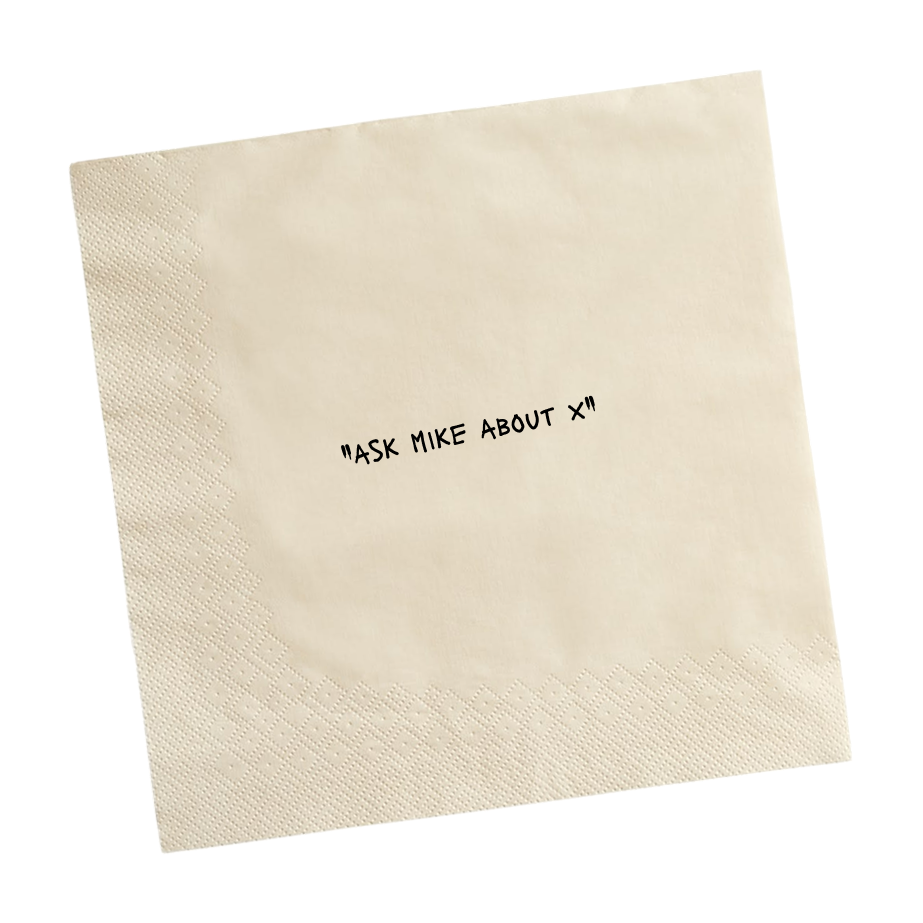
Mike note shape
Address note shape
Later note shape

They're little bits of information temporarily occupying your attention until they can go somewhere else,

or nowhere at all.

made for your mac's notch download for mac once installed, go to your applications folder and right-click (or Control-click) the app icon and select "Open" to bypass macOS Gatekeeper
Mockup for Page 4
Green background
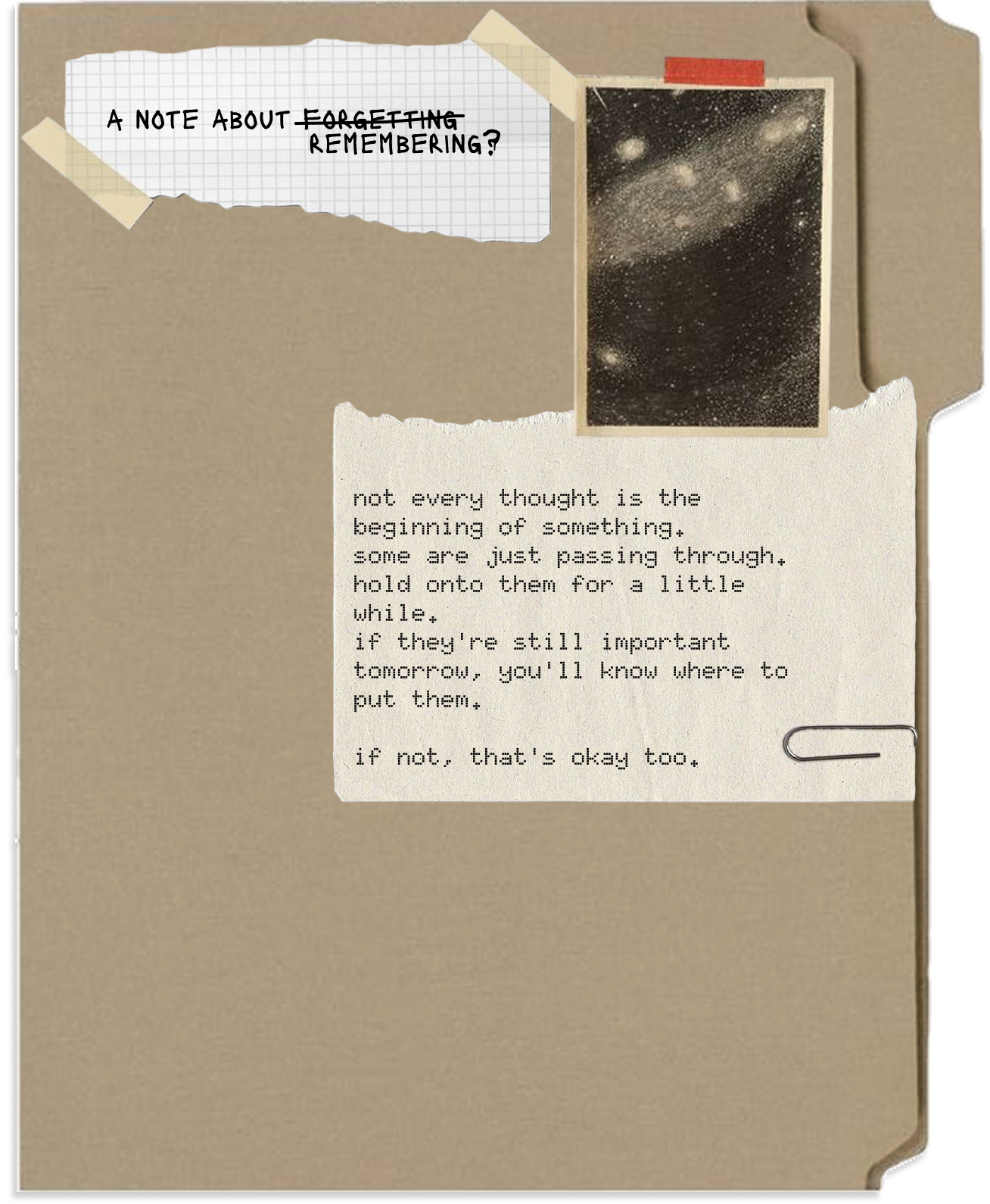
Folder canvas
this is not a
Yellow wobbly shapes
Blue wobbly shapes
Orange stack
Orange dot

it's closer to writing something on your hand.

except your hand gets washed.

made for your mac's notch download for mac once installed, go to your applications folder and right-click (or Control-click) the app icon and select "Open" to bypass macOS Gatekeeper
Hand with mark Hand with water Clean hand

i still don't get what it is

fair enough.

hold that is a temporary notes app for your mac. it lives in your menu bar and opens as a small drawer on the right side of your screen.

you can use it to:

  • write a quick note
  • make a checklist
  • paste text or links from anywhere
  • copy everything back out later

your notes live in one of two places: today or yesterday.

at midnight, everything in today moves to yesterday. anything that was already in yesterday is deleted.

today is where you write. yesterday is read-only. you can copy anything you want to keep, but you can't edit it. if it still matters, move it somewhere permanent.

some examples

  • you're reading a substack article and collecting quotes to move into notion/obsidian/sublime later.
  • you're filling out a form and need somewhere to hold an address while you copy it between fields.
  • you're researching a trip and collecting a few links before deciding what's useful.
  • you're on a call and need to write down a tracking number.
  • you're in the middle of work and suddenly remember to book a dentist appointment.

it's just a small place to hold things until you're ready for them. nothing more.

Hold That App Today Hold That App Yesterday

send a message